
No products in the cart.
Return To Shop
How to Choose a Printer for Your Industry Needs
Selecting the right printer for your business can feel overwhelming with so many options on the market. Think about this. The cost of ink and toner can exceed the printer’s purchase price within just a few months. Most people get stuck comparing features and prices, yet the true key lies in understanding your exact printing requirements first. That surprises even experienced managers.
Table of Contents
- Step 1: Identify Your Printing Requirements
- Step 2: Research Printer Types And Technologies
- Step 3: Evaluate Key Features And Specifications
- Step 4: Compare Costs And Operational Efficiency
- Step 5: Test Print Quality With Sample Outputs
- Step 6: Finalize Your Purchase Decision
Quick Summary
| Key Point | Explanation |
|---|---|
| 1. Assess Printing Needs Carefully | Understand your volume, materials, and resolution requirements before selecting a printer for optimal results. |
| 2. Research Various Printer Technologies | Familiarize yourself with different printer types to match your requirements with the best technological capabilities available. |
| 3. Evaluate Print Quality Through Testing | Conduct test prints using diverse documents and substrates to ensure the printer meets your quality standards. |
| 4. Analyze Total Cost of Ownership | Consider initial price, consumables, maintenance, and energy costs to fully understand the long-term financial impact of a printer. |
| 5. Finalize Decision with Comparative Analysis | Use a scoring matrix to weigh options based on features and support to ensure a choice that fits your industry needs best. |
Step 1: Identify Your Printing Requirements
Choosing the right printer begins with a comprehensive understanding of your specific industry printing requirements. This crucial first step determines the success of your entire printing strategy. Every industry has unique demands that influence printer selection, from high-volume manufacturing environments to precision graphic design studios.
Start by conducting a thorough assessment of your operational needs. Examine the volume of printing you anticipate, considering both current workflow and potential future expansion. Printing volume directly impacts the type of printer you should select. For instance, a small design agency might require a different printer solution compared to a large packaging manufacturing facility.
Consider the specific materials and substrates you will be printing on. Different printers excel with varied materials such as paper, plastics, textiles, or metal surfaces. Some specialized printers are designed for specific substrate types, so understanding your primary printing surfaces is critical. Explore color management techniques to ensure consistent output across different materials.
Evaluate the resolution and color accuracy requirements for your industry. Graphic design, packaging, and textile industries often demand high-resolution prints with precise color reproduction. Technical specifications like dots per inch (DPI), color gamut, and color matching capabilities become paramount in these contexts.
Additionally, factor in operational constraints such as workspace dimensions, electrical requirements, and compatibility with existing technological infrastructure. A printer that seems perfect on paper might prove impractical if it cannot physically fit your workspace or integrate with your current systems.
Successful printer selection requires a holistic approach. By methodically analyzing your printing requirements across multiple dimensions—volume, materials, resolution, and operational constraints—you will position yourself to make an informed decision that supports your industry’s specific needs.
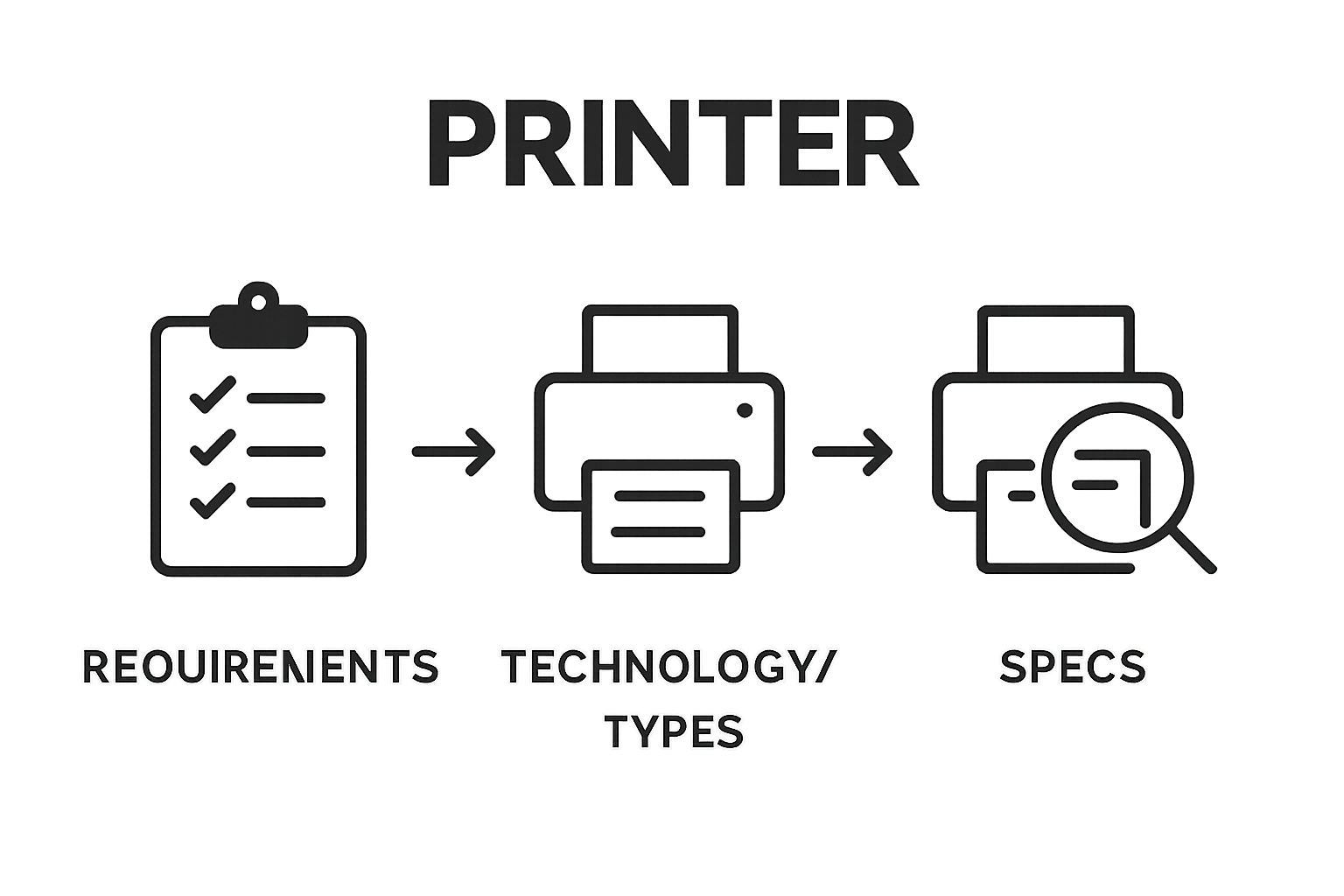
Step 2: Research Printer Types and Technologies
Researching printer types and technologies represents a critical phase in selecting the ideal printing solution for your industry. This step transforms your initial requirements into actionable technical understanding, bridging the gap between conceptual needs and practical implementation.
Printer technologies span a diverse range of capabilities, from traditional inkjet and laser systems to advanced digital and specialized industrial printing platforms. Begin by mapping your initial requirements against the most common printer technologies. Inkjet printers excel in high-resolution color reproduction and versatility, making them ideal for graphic design and marketing materials. Laser printers offer speed and consistency, perfect for high-volume text-based document production in corporate environments.
Learn more about digital textile printing technologies to understand specialized printing options. Industrial printing technologies like flexographic, screen, and digital UV printing provide unique capabilities for specific substrates and production volumes. Flexographic printing works exceptionally well for packaging and label production, while screen printing offers superior durability for textiles and industrial components.
Consider the nuanced differences between printer technologies. Digital printing provides rapid turnaround and low setup costs, ideal for small to medium production runs. Offset printing remains unmatched for large volume productions requiring consistent color and image quality. Specialized technologies like 3D printing and sublimation printing open entirely new dimensions for industries requiring complex geometric forms or specialized material transfers.
Evaluate each technology’s technical specifications critically. Examine factors such as print resolution, color accuracy, substrate compatibility, and production speed. These technical parameters will directly influence your printing outcomes. Pay attention to consumable costs, maintenance requirements, and potential scalability of each printer technology.
Successful printer technology research requires a comprehensive approach that balances technical specifications with practical industry requirements. By methodically exploring and understanding different printer technologies, you will position yourself to make an informed selection that precisely matches your operational needs.
The following table compares common printer technologies discussed in the article, highlighting their core strengths, best-use industries, and typical advantages.
| Printer Type | Core Strengths | Ideal Industry Use | Advantages |
|---|---|---|---|
| Inkjet | High-resolution color, versatility | Graphic design, marketing | Excellent for detailed images, wide media compatibility |
| Laser | Speed, text clarity, consistency | Office, high-volume documentation | Fast, sharp text, low per-page cost |
| Flexographic | High-volume packaging, label printing | Packaging, labeling | Efficient for large runs, specialty substrates |
| Screen | Durable, thick ink application | Textile, industrial | Long-lasting prints, specialty applications |
| Digital UV | Prints on diverse substrates | Industrial, specialty products | Immediate curing, suitable for various materials |
| Offset | Superior consistency for large volumes | Publishing, packaging | High print quality, cost-effective in bulk |
| Sublimation/3D | Specialized effects or forms | Textile, industrial, prototyping | Unique finishes, supports complex shapes |
Step 3: Evaluate Key Features and Specifications
Evaluating key features and specifications transforms your printer selection from theoretical research into a precise, strategic decision. This critical step requires a systematic approach that goes beyond surface-level specifications and delves into the nuanced performance characteristics that will impact your industry’s printing outcomes.
Print resolution emerges as a fundamental specification driving print quality across industries. Measured in dots per inch (DPI), resolution determines the clarity and detail of your printed materials. Graphic design and packaging industries typically require higher resolutions ranging from 1200 to 2400 DPI, while standard office documentation might function effectively at 600 DPI. Explore advanced color management techniques to understand how resolution interacts with color reproduction.
Performance metrics like pages per minute (PPM) and monthly duty cycle represent critical operational specifications. The monthly duty cycle indicates the maximum number of pages a printer can produce consistently without compromising hardware integrity. Manufacturing and high-volume printing environments must carefully match their expected print volumes against a printer’s rated capacity to prevent premature equipment failure.
Connectivity options and compatibility represent another crucial evaluation criterion. Modern printers require robust network integration capabilities, including ethernet ports, wireless connectivity, and compatibility with various operating systems and design software. Cloud printing features, mobile device support, and seamless integration with existing technological infrastructures become increasingly important across diverse industries.
Consumable costs and long-term operational expenses demand thorough scrutiny. Examine ink or toner pricing, availability, and efficiency metrics. Some printers might offer lower initial purchase prices but significantly higher per-page printing costs. Calculate the total cost of ownership, factoring in maintenance requirements, replacement part availability, and projected consumable expenses over the printer’s expected service life.
Successful specification evaluation requires a holistic approach that balances technical capabilities, operational requirements, and financial considerations. By methodically assessing these critical features, you will develop a comprehensive understanding that guides your printer selection toward the most suitable solution for your specific industry needs.
Step 4: Compare Costs and Operational Efficiency
Comparing costs and operational efficiency represents a pivotal moment in printer selection, transforming your technical research into a financially strategic decision. This step requires a comprehensive analysis that extends far beyond the initial purchase price, diving deep into the total cost of ownership and long-term operational implications.
Initial hardware cost represents only the first layer of printer investment. Professional buyers must calculate the comprehensive expense landscape, which includes consumables, maintenance, energy consumption, and potential productivity impacts. Explore digital printing technology insights to understand how technological choices influence operational expenses across different industries.
Consumable costs demand meticulous scrutiny. Ink and toner expenses can quickly escalate, potentially exceeding the printer’s original purchase price within months. Analyze the cost per page for different printer models, considering both standard and high-yield cartridge options. Some printers offer significantly lower per-page printing costs, which can translate into substantial savings for high-volume printing environments.
Energy efficiency emerges as a critical consideration in operational cost management. Modern printers feature varying energy consumption profiles, with some models offering advanced power management features that dramatically reduce electricity usage. Look for printers with Energy Star certifications, which indicate superior energy performance. Calculate potential annual energy savings by comparing different models’ standby and active power consumption rates.
Maintenance and reliability represent another crucial cost factor. Printers with robust engineering and reliable component design can significantly reduce unexpected downtime and repair expenses. Investigate manufacturer warranty terms, available service contracts, and the availability of replacement parts. Some industrial printer models offer extended maintenance packages that can provide long-term financial predictability.
Successful cost and efficiency comparison requires a holistic approach that balances immediate financial constraints with long-term operational requirements. By methodically analyzing these multifaceted cost dimensions, you will develop a nuanced understanding that guides your printer selection toward the most economically sustainable solution for your specific industry needs.
Step 5: Test Print Quality with Sample Outputs
Testing print quality with sample outputs represents the critical validation stage in your printer selection process, transforming theoretical specifications into tangible performance evidence.
This step bridges the gap between technical expectations and real-world printing capabilities, providing definitive insights into a printer’s actual performance potential.
Preparation becomes paramount in comprehensive print quality testing. Create a diverse test document that encompasses various elements challenging for printers: fine text, intricate graphics, color gradients, photographic images, and industry-specific design elements. Learn more about high-quality printing techniques to understand the nuanced factors influencing print reproduction.
Execute multiple print tests across different paper types and weights most relevant to your industry. Graphic design professionals might focus on premium coated stock, while packaging specialists should test corrugated and specialty substrates. Examine each sample under consistent lighting conditions, preferably using a standardized color-neutral environment that allows precise visual assessment.
Systematic evaluation requires a structured approach to sample analysis. Inspect printed outputs for critical quality indicators: color accuracy, resolution sharpness, edge definition, color consistency, and substrate compatibility. Look for subtle signs of print performance such as color bleeding, toner distribution, line clarity, and gradient smoothness. Pay particular attention to how the printer handles complex design elements that are characteristic of your specific industry requirements.
Dynamic testing involves printing sample materials under varying operational conditions. Test print speeds at different quality settings, evaluate performance with complex graphics, and assess the printer’s consistency across extended print runs. Multipage documents can reveal potential issues like registration errors, color drift, or mechanical inconsistencies that might not be immediately apparent in single-page tests.
Successful print quality testing transforms your printer selection from speculation to confirmation. By methodically evaluating sample outputs across multiple dimensions, you will gain a comprehensive understanding of how a specific printer meets the nuanced performance requirements of your industry, ensuring your final selection delivers precisely the printing capabilities your workflow demands.
Step 6: Finalize Your Purchase Decision
Finalizing your printer purchase decision represents the culmination of a comprehensive, methodical selection process that transforms extensive research into a strategic investment for your industry. This final step requires careful synthesis of all previously gathered information, balancing technical specifications, operational requirements, and financial considerations.
Comparative analysis becomes the cornerstone of your final decision. Create a comprehensive scoring matrix that objectively ranks potential printer options against your original industry requirements. Explore advanced printing technology considerations to ensure you’re making a forward-thinking selection that accommodates potential future technological developments.
Consider the manufacturer’s reputation, warranty terms, and available support infrastructure. A printer with superior technical specifications might become a liability if the manufacturer lacks robust customer support or replacement part availability. Investigate the vendor’s track record in your specific industry, looking for case studies or references from businesses with similar operational profiles.
Financial prudence extends beyond the initial purchase price. Negotiate comprehensive service agreements that cover maintenance, potential upgrades, and consumable supplies. Some manufacturers offer flexible leasing options or bundled support packages that can provide significant long-term value. Calculate the total cost of ownership over a three to five-year period, factoring in projected maintenance expenses, expected consumable costs, and potential productivity gains.
Verify compatibility with your existing technological ecosystem. Ensure the selected printer integrates seamlessly with current software platforms, network infrastructure, and industry-specific design tools. Request a final demonstration that replicates your most challenging printing scenarios, providing definitive proof of the printer’s capability to meet your specific operational requirements.
Successful purchase finalization requires a holistic approach that balances immediate needs with future potential. By methodically evaluating all dimensions of your printer selection, you transform a complex decision into a strategic investment that will support your industry’s printing requirements with precision and reliability.
This checklist helps you confirm that all critical factors have been considered before making your final printer purchase, according to the recommendations in the article.
| Checklist Item | Status (Yes/No) | Notes/Details |
|---|---|---|
| Printing volume analyzed | ||
| Materials/substrates compatibility confirmed | ||
| Resolution and color accuracy evaluated | ||
| Space and power requirements assessed | ||
| Connectivity and integration checked | ||
| Total cost of ownership calculated | ||
| Print samples tested and reviewed | ||
| Service/support options investigated | ||
| Final scoring matrix completed |
Transform Your Printer Decision Into Flawless Results
You have invested the time to research industry print requirements and learned why accurate color and print quality matter for your business. Yet even the best printer can fall short if you are missing critical tools for precise color matching and professional results. Many professionals struggle with color consistency and face costly reprints or unpredictable output, despite following all the steps outlined in How to Choose a Printer for Your Industry Needs.
Let Kolorguide.com help you bridge the gap between choosing the right printer and delivering flawless end results. Discover our collection of graphic arts supplies and Pantone color guides for greater quality assurance on every print job. Shop the latest color management tools and swatch books trusted by designers and printers across the USA. Visit Kolorguide.com today and experience fast shipping, flexible payment options, and expert support. Take control of your color accuracy now for outstanding results on every project.
Frequently Asked Questions
What are the key factors to consider when choosing a printer for my industry?
You should evaluate printing volume, materials and substrates, resolution requirements, and operational constraints such as workspace dimensions and technological compatibility.
How do different printer technologies affect print quality?
Printer technologies such as inkjet, laser, and digital printing each have unique strengths. Inkjet printers offer high-resolution color reproduction, while laser printers excel in speed and consistency for text-based documents.
What is the importance of print resolution and color accuracy in printer selection?
Print resolution, measured in DPI, directly impacts the clarity of printed materials. Industries like graphic design and packaging require higher resolutions for precise color reproduction and detailed images.
How can I determine the total cost of ownership for a printer?
Consider the initial purchase price, consumable costs (ink or toner), maintenance expenses, and energy consumption to evaluate the total cost of ownership over the printer’s expected service life.
Recommended


About author
Related posts

Discover why registration is important for businesses in the printing, packaging, plastics, and technology industries. Learn how it protects and boosts your company’s growth. Continue reading

Explore essential printing press terminology to enhance your knowledge as a graphic designer or industry professional. Comprehensive insights included. Continue reading